
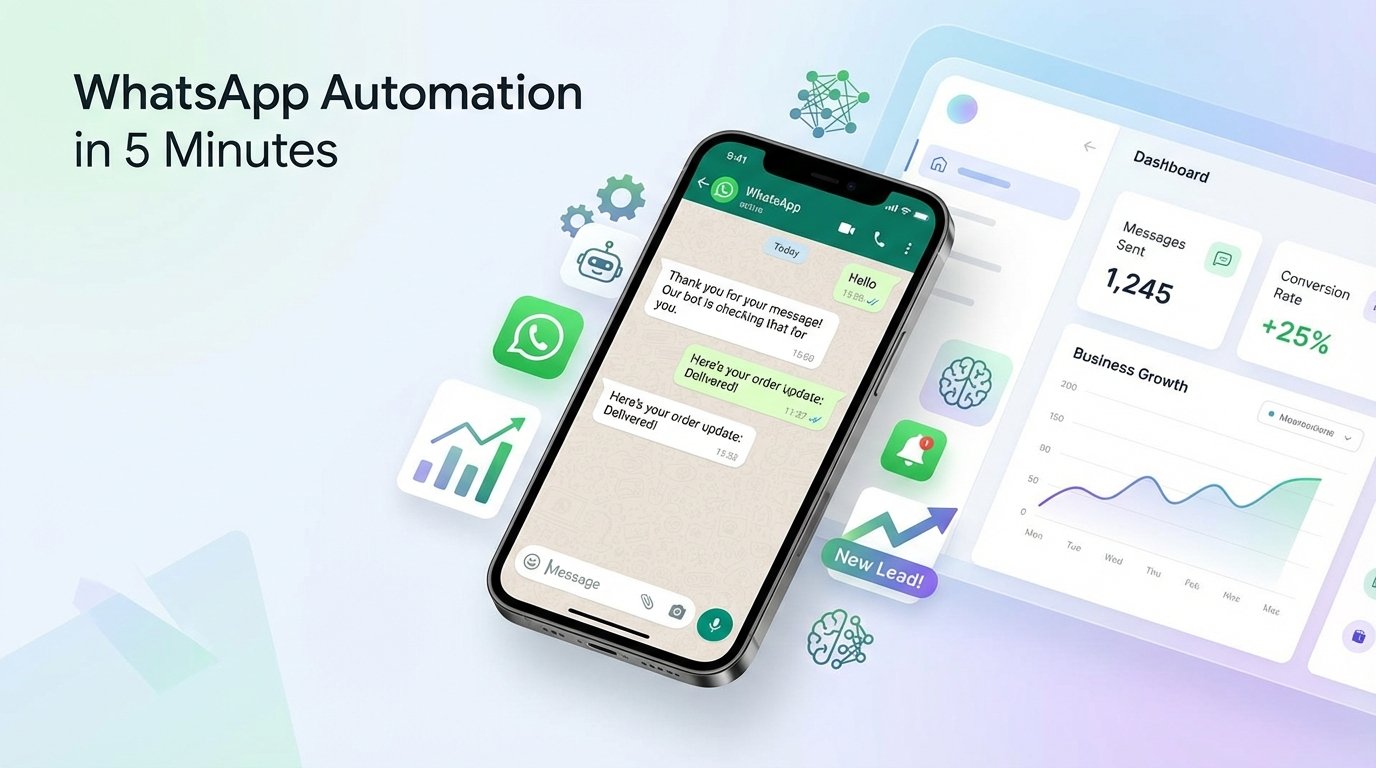
WhatsApp Automation kaise setup kare (Simple 5 Minute Guide)
WhatsApp Automation se apne business ko smart banaye! Sirf 5 minute me setup kare aur auto reply, lead capture aur appointment booking jaise features ka fayda uthaye.
Aaj ke digital time me har business ko fast reply aur smart communication ki zarurat hoti hai. Customers turant jawab chahte hain — chahe enquiry ho, price poochna ho ya appointment book karna ho.
Isi problem ka best solution hai WhatsApp Automation 🤖 aur sabse achi baat — ab ise setup karna bahut hi easy ho gaya hai!
⚡ WhatsApp Automation kya hota hai?
WhatsApp Automation ek system hai jo automatically:
- Customer messages ka reply deta hai
- FAQs handle karta hai
- Leads capture karta hai
- Appointment booking manage karta hai
👉 Matlab aap bina manual reply ke bhi 24/7 business chala sakte ho.
🛠 WhatsApp Automation kaise setup kare?
1️⃣ Signup kare
Sabse pehle platform par apna account create kare.
2️⃣ QR Code scan karke WhatsApp connect kare
Apne WhatsApp ko system se connect kare — bilkul WhatsApp Web ki tarah.
3️⃣ AI me business details fill kare
Apne business ki details add kare jaise services, timing aur FAQs.
4️⃣ Bas ho gaya! 🎉
Ab system automatically auto reply, lead capture aur appointment booking handle karega.
📊 Kaun-kaun se business me use ho sakta hai?
- Clinics & Hospitals
- Salons & Spa
- Local Shops
- Coaching Institutes
- Real Estate
- Restaurants
- IT & Service Businesses
🎯 WhatsApp Automation ke fayde
- Time saving
- 24/7 customer support
- Sales increase
- Better customer experience
💰 Pricing & Plans
Aap apni requirement ke according plan choose kar sakte ho:
👉 Pricing dekhne ke liye yaha click kare
🚀 Conclusion
Agar aap apne business ko grow karna chahte ho to WhatsApp Automation ek powerful tool hai. Sirf 5 minute me setup kare aur apne business ko next level par le jaye.
👉 Aaj hi start kare aur automation ka fayda uthaye!